Free downloads
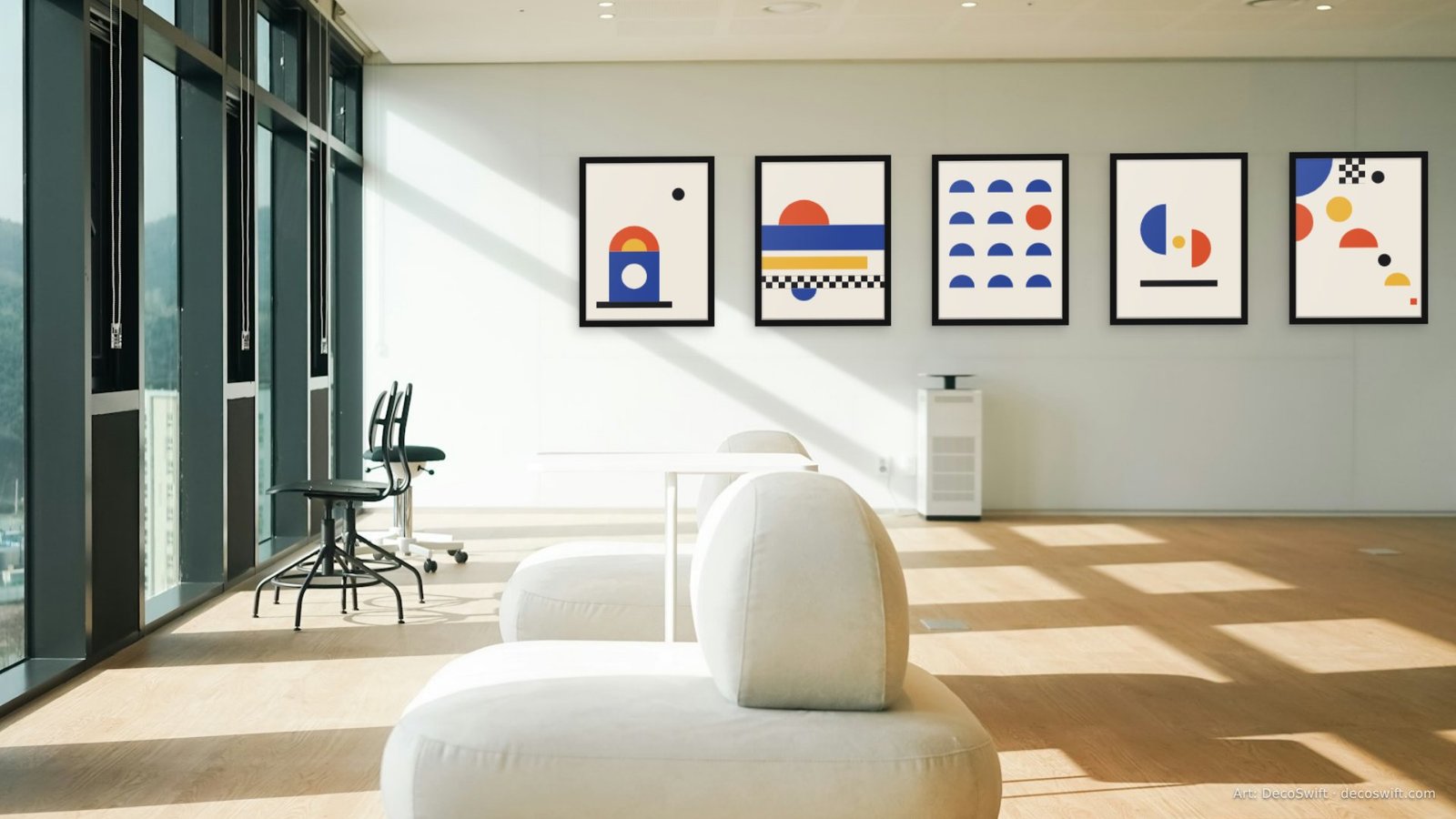
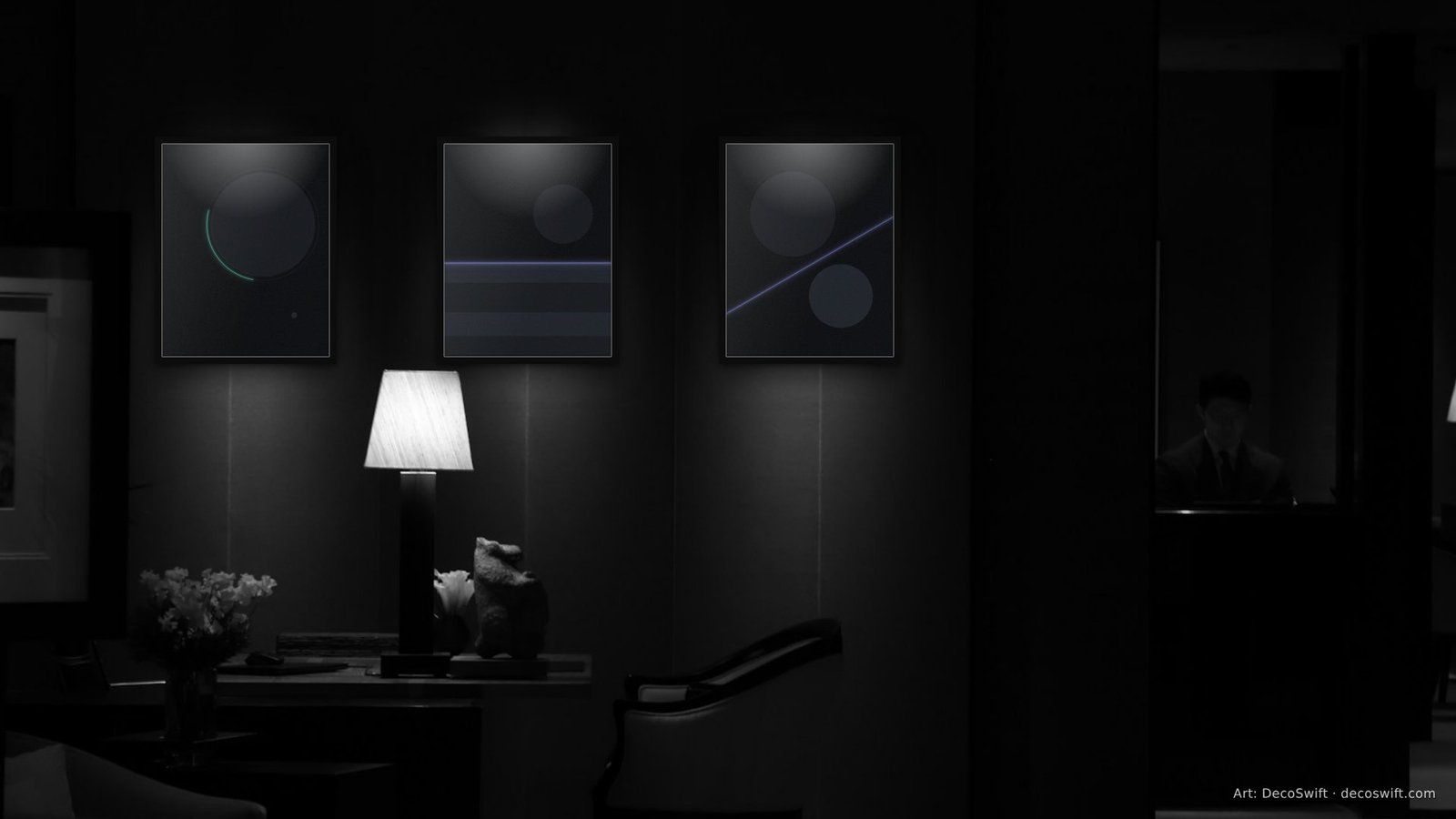
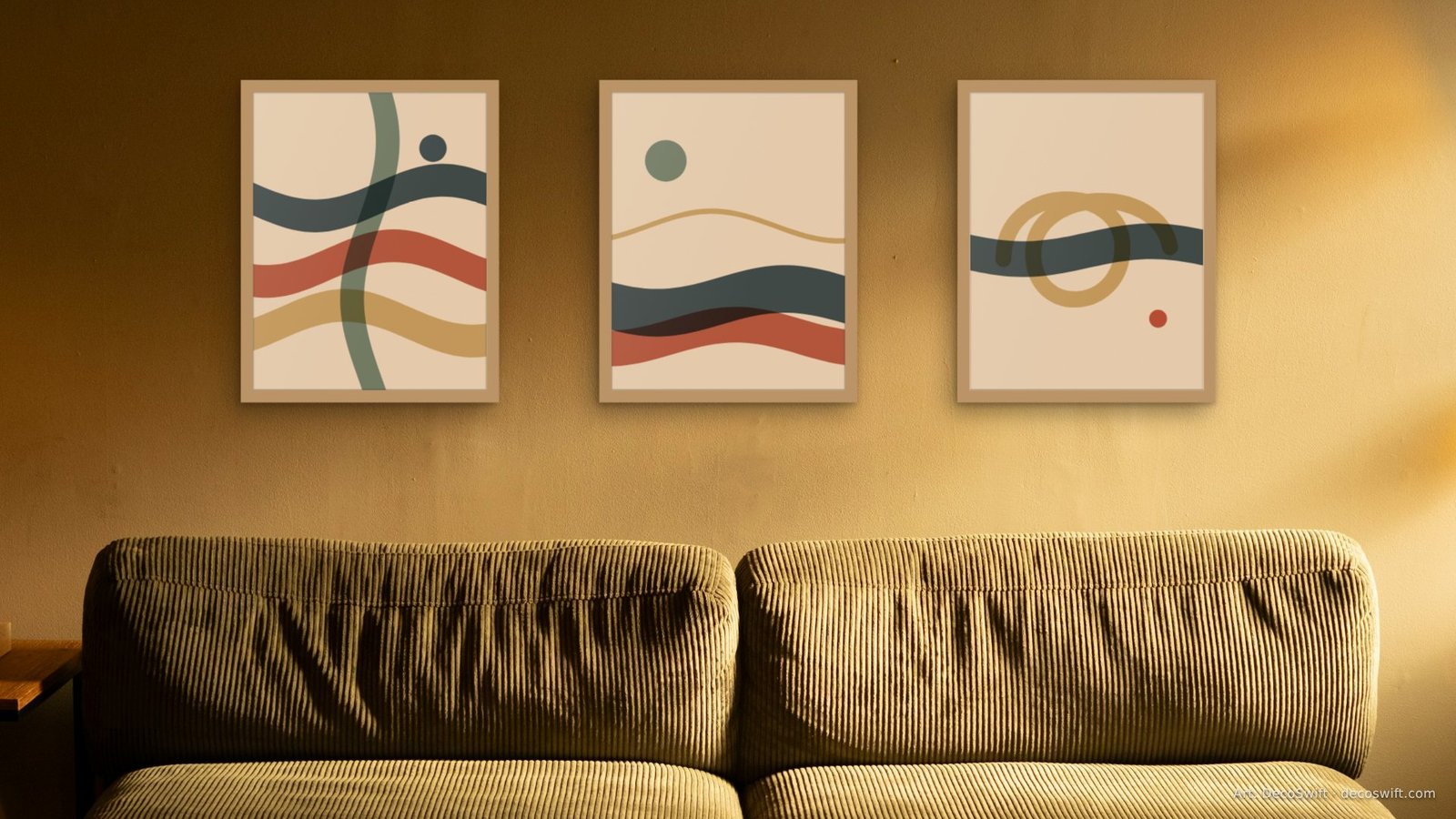
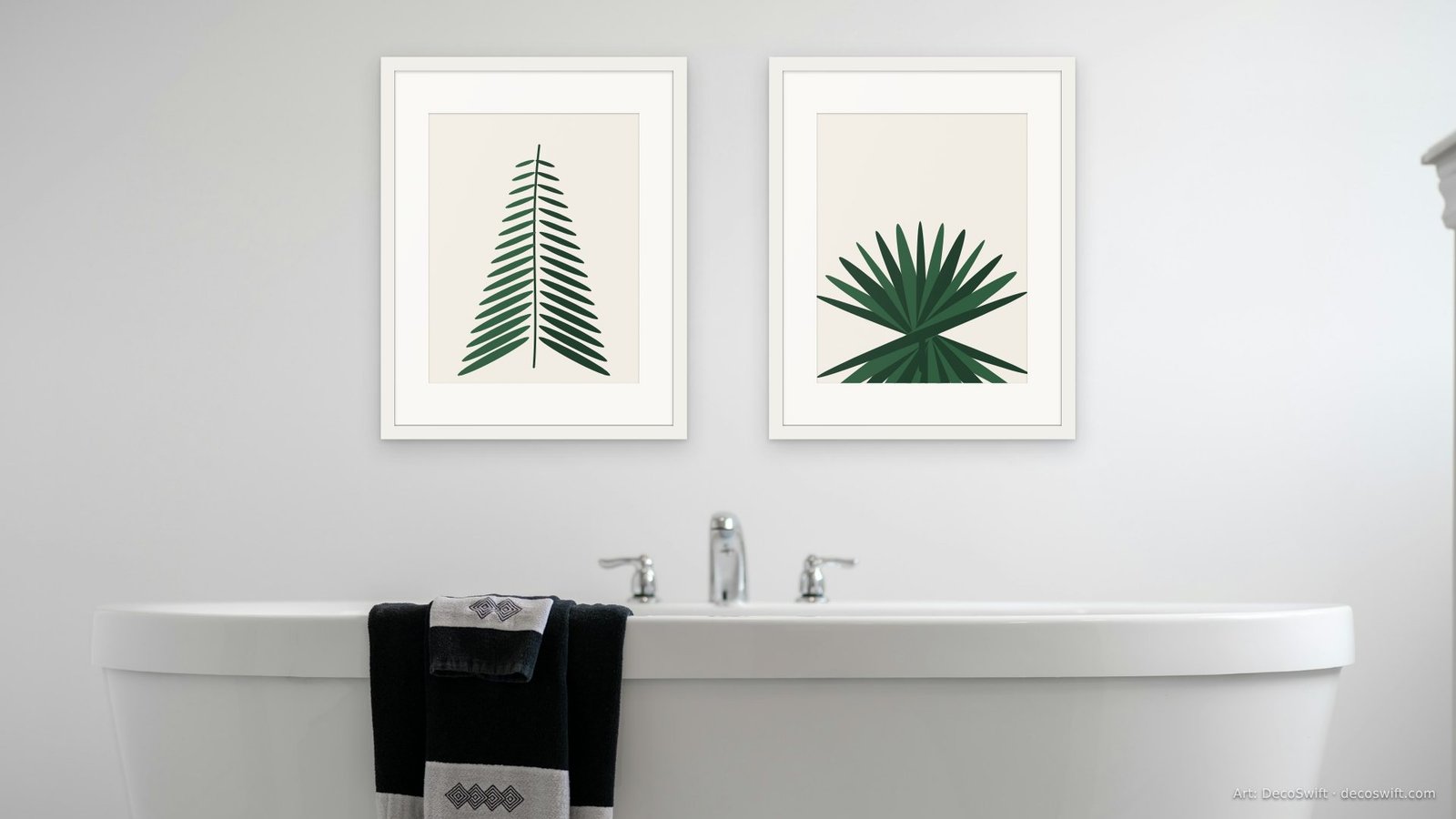
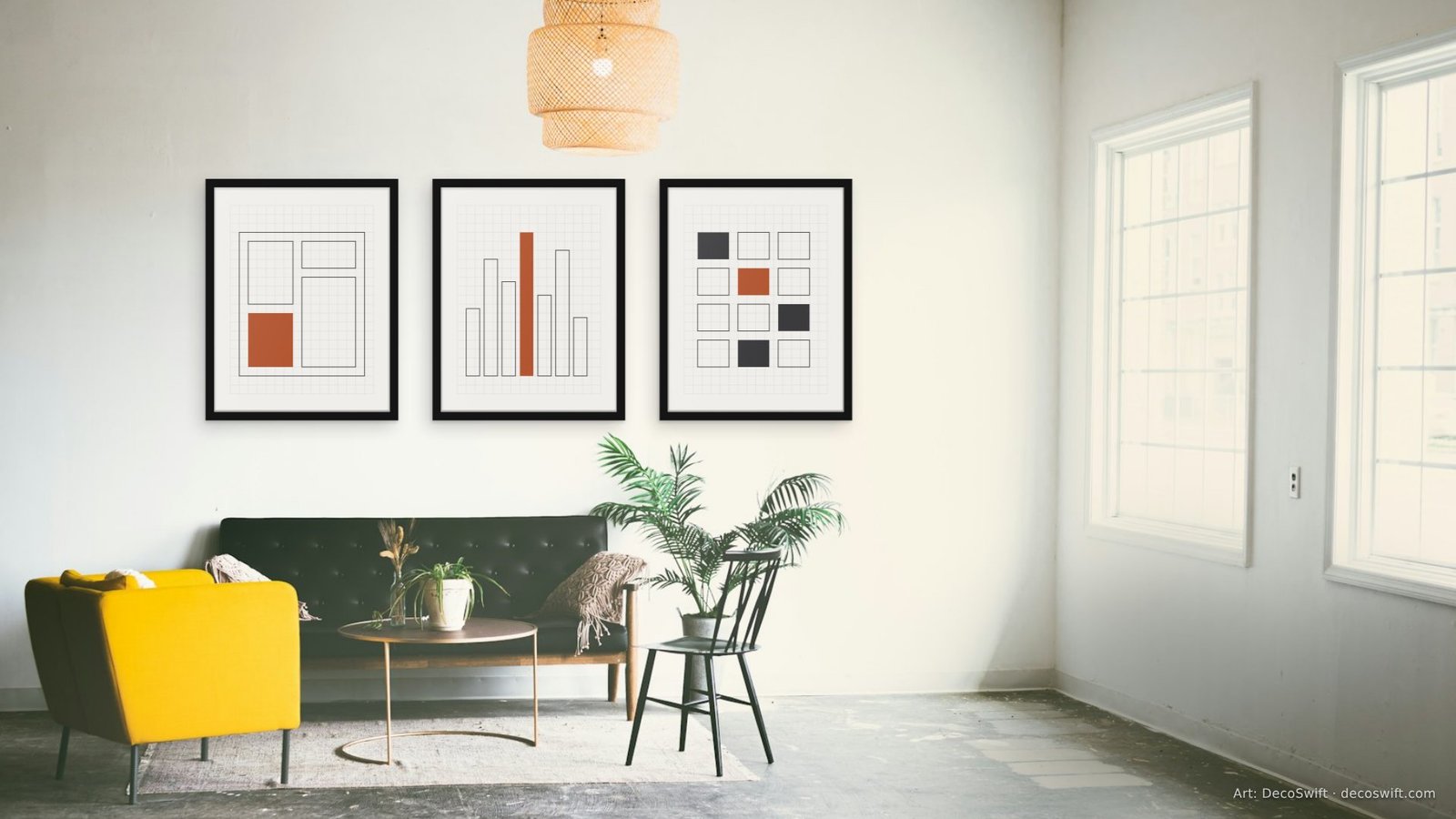
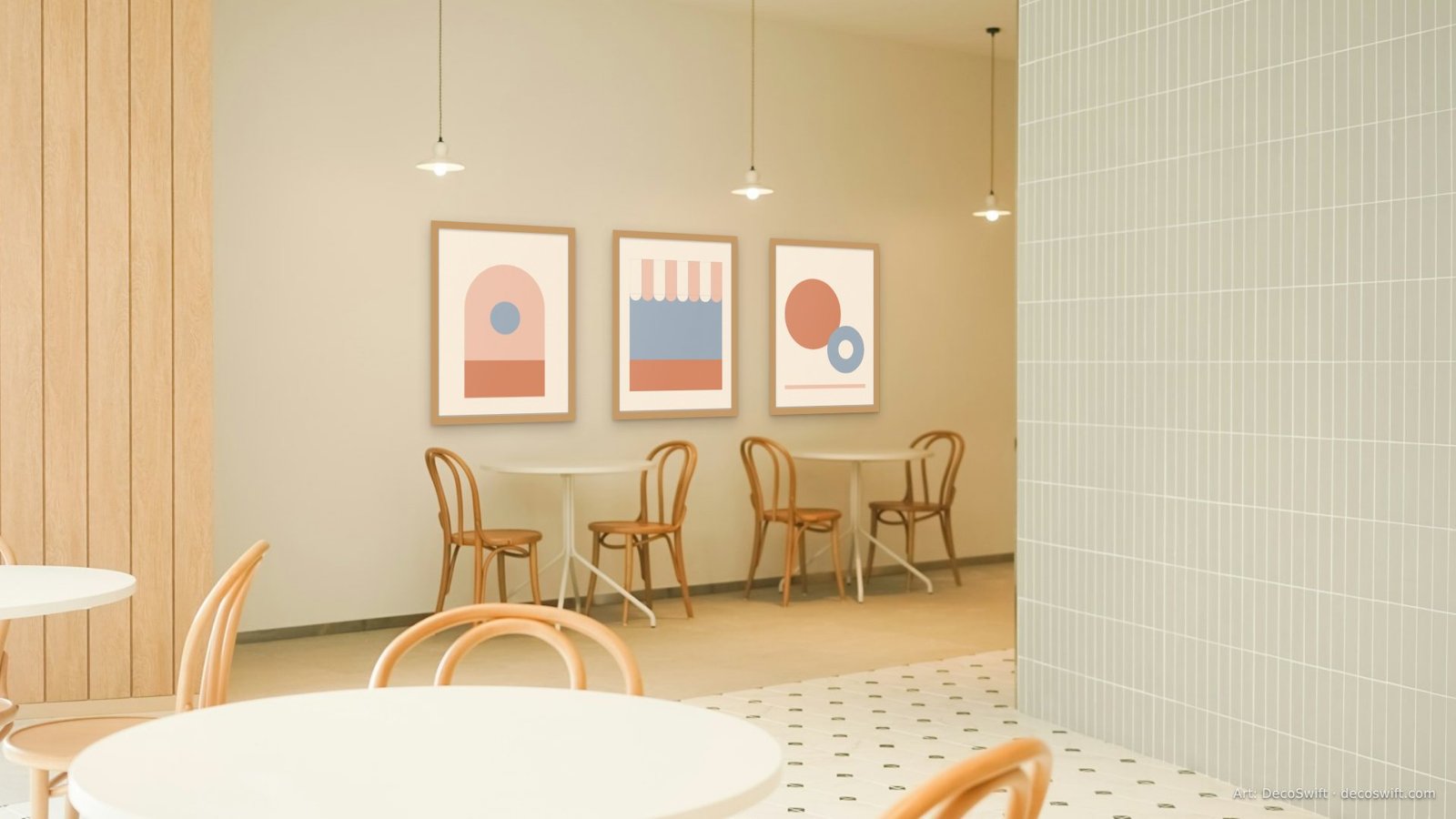
Video-call backgrounds with real art on the walls.
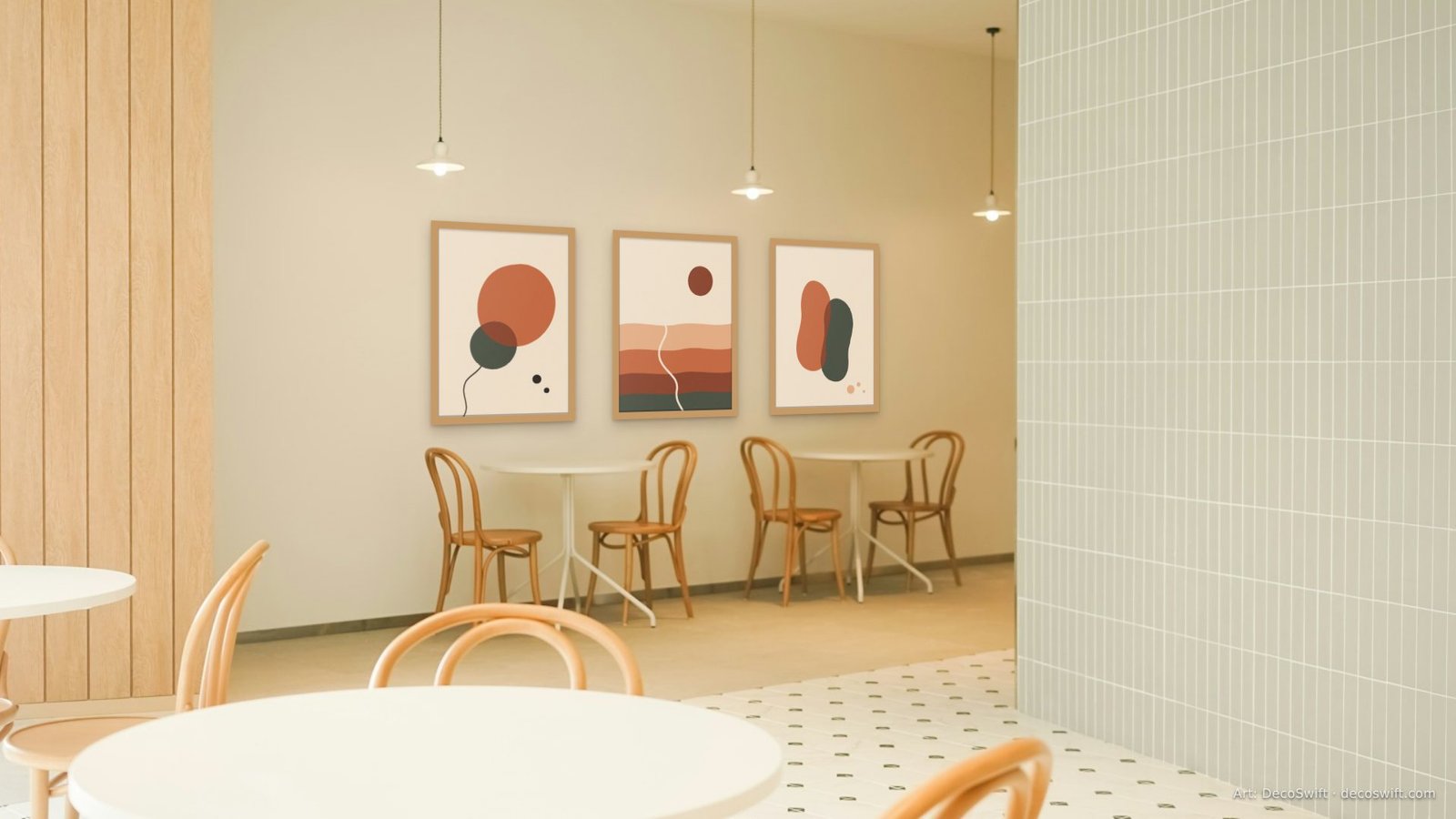
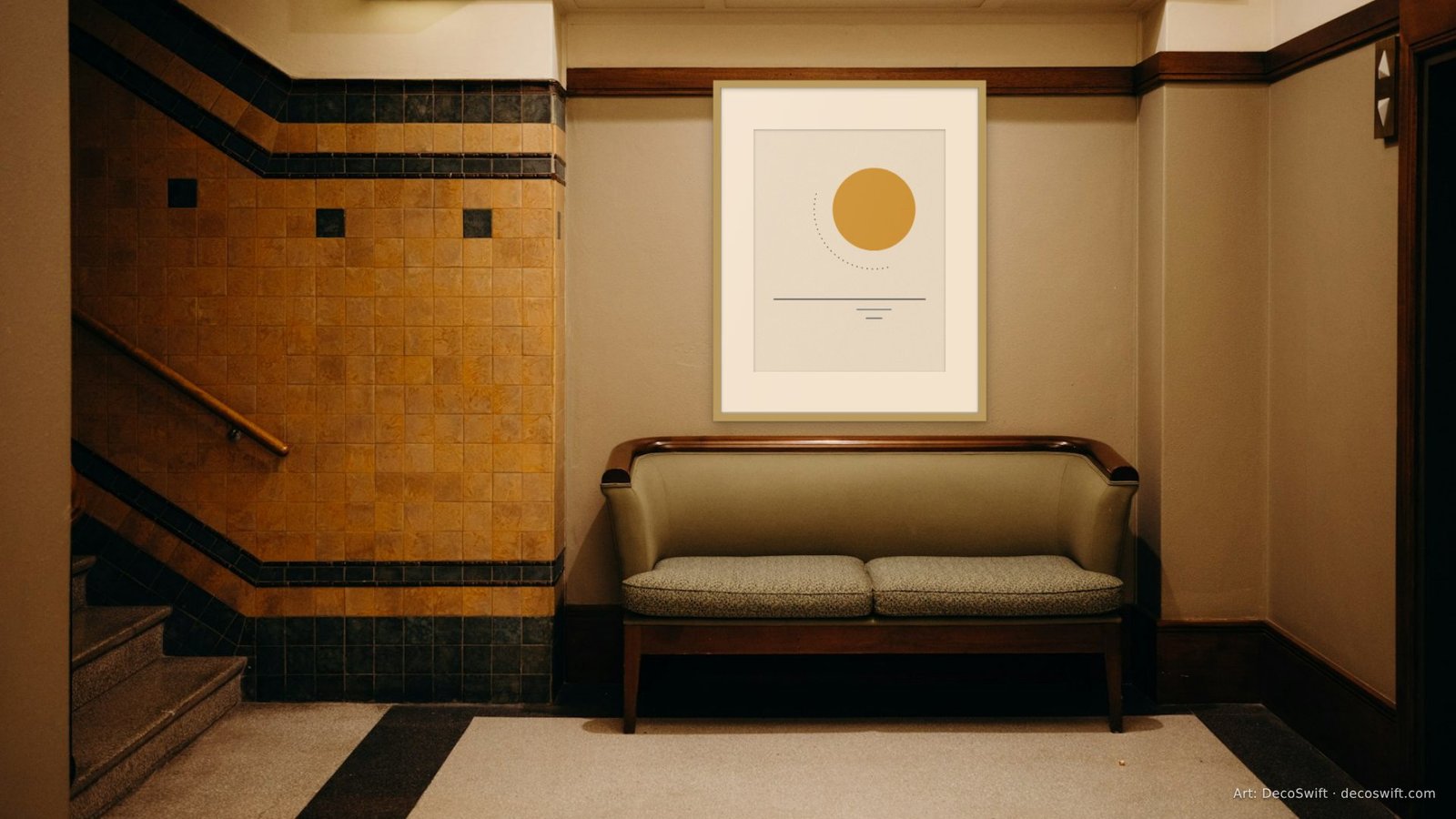
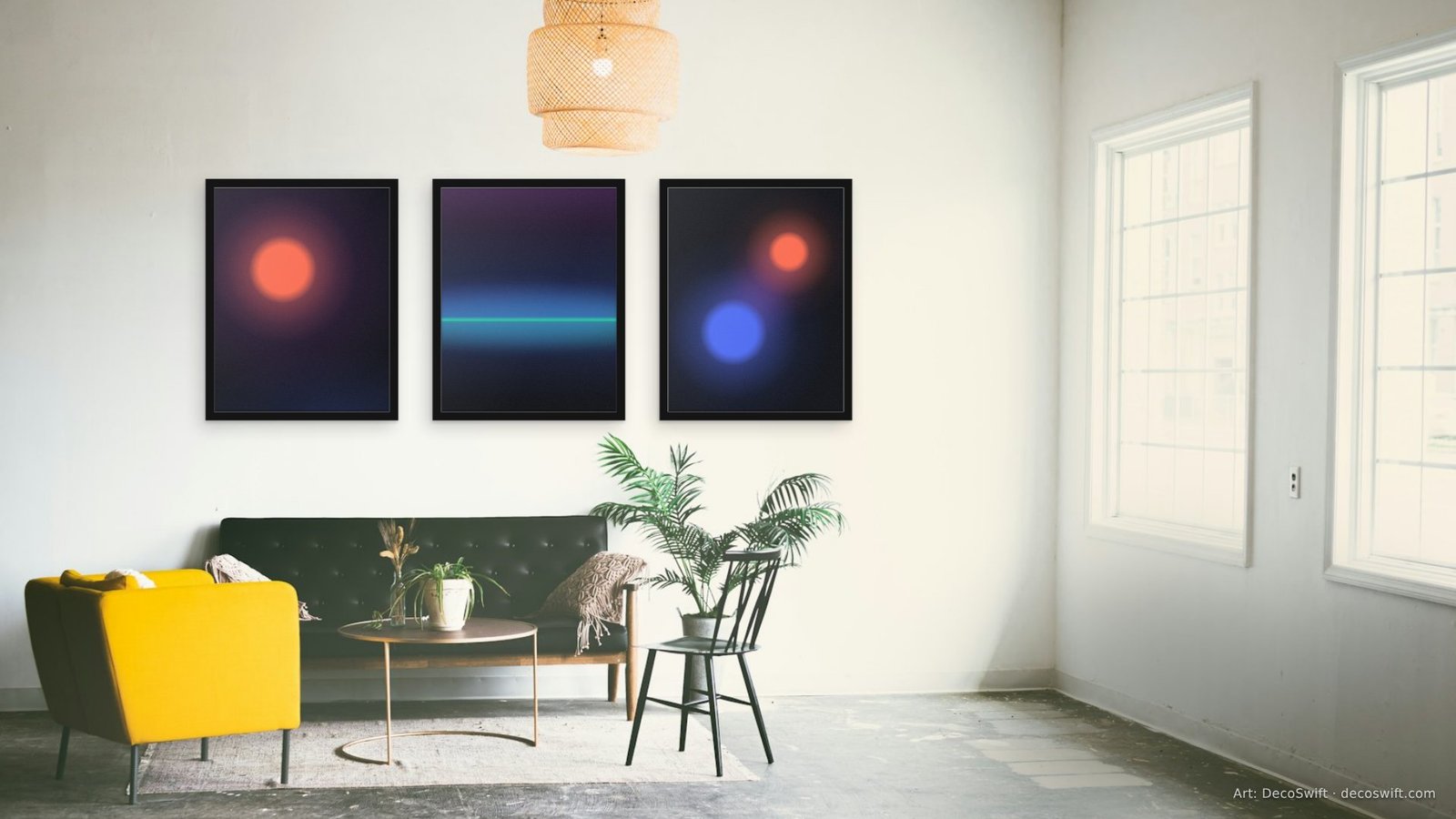
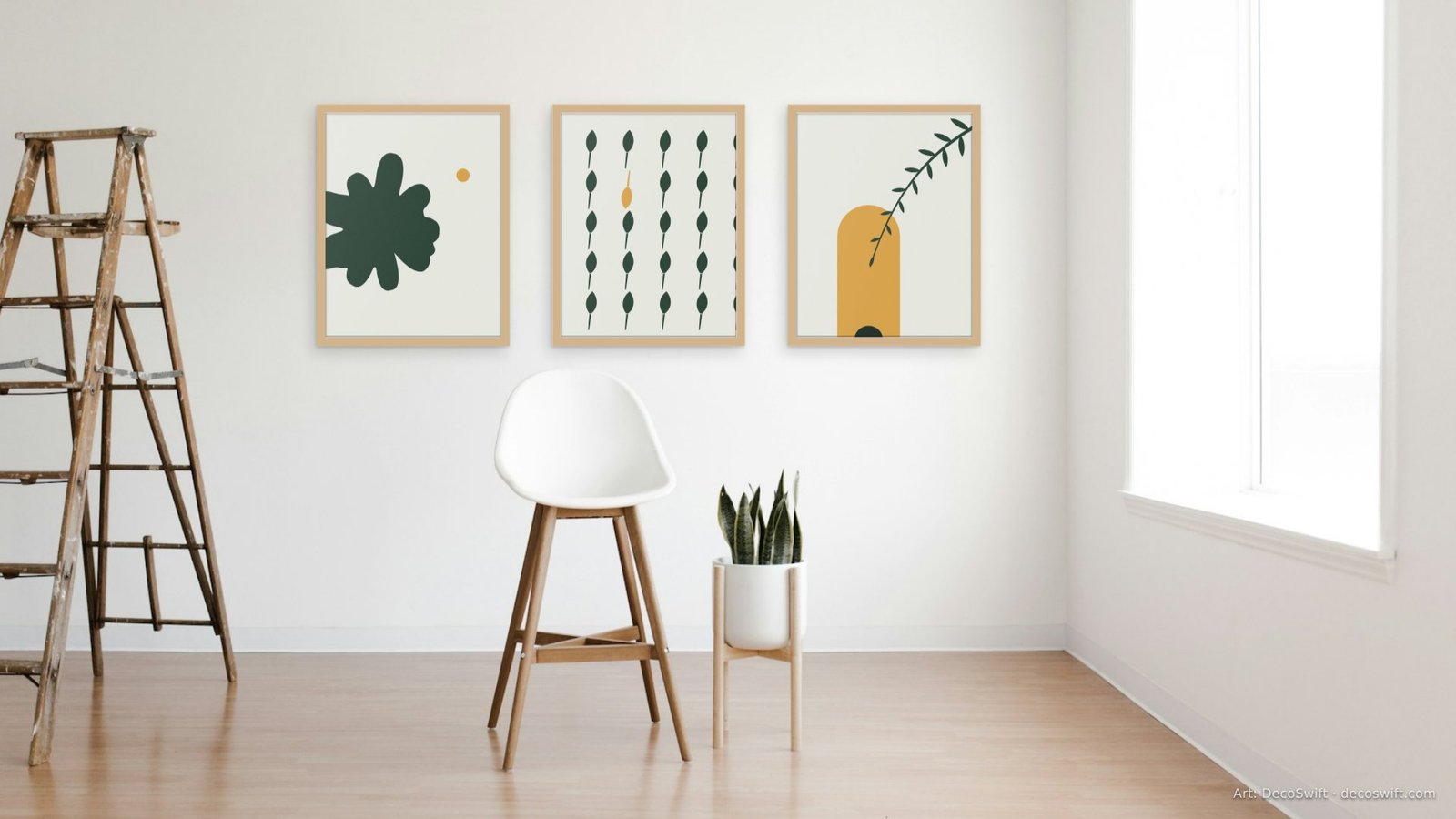
Ten designed rooms, 1920×1080, for Zoom, Microsoft Teams, Google Meet and Webex. Free for any use. Each one shows a DecoSwift bundle as it hangs in a real space.
How to set one
- Zoom: Settings, Background and effects, Virtual backgrounds, then the plus button and the downloaded file.
- Microsoft Teams: in a meeting, More, Video effects, then Add new and the downloaded file.
- Google Meet: before joining, Apply visual effects, Backgrounds, then the upload button.
- Webex: Video settings, Virtual background, then the plus button.
Want the real thing behind you? Every room is a bundle you can order for your office.